

The number of NAS options available today has gotten a little out of hand. You’ve got brands like Synology, QNAP, TerraMaster, Asustor, Buffalo, and now even newer players like UGREEN, MinisForum, and UniFi. And that’s just the turnkey side. Once you step into the DIY world with platforms like TrueNAS, Unraid, and OpenMediaVault, the number of possibilities expands even further.
While all of this competition is great for consumers, it also makes choosing the right NAS more confusing than it needs to be.
Instead of comparing endless spec sheets or trying to memorize model numbers, the goal of this guide is simple: help you choose a NAS based on how you actually plan to use it. For me, I come from being a loyal Synology customer for 15+ years and it was time to upgrade from my DS920+ ! However, instead of getting a new Synology, I decided to go with a UGREEN NAS for a number of reasons, which I discuss in detail in this video. Long story short, in my opinion, Synology wasn’t worth the money anymore!
Turnkey vs DIY: The First Decision You Need to Make
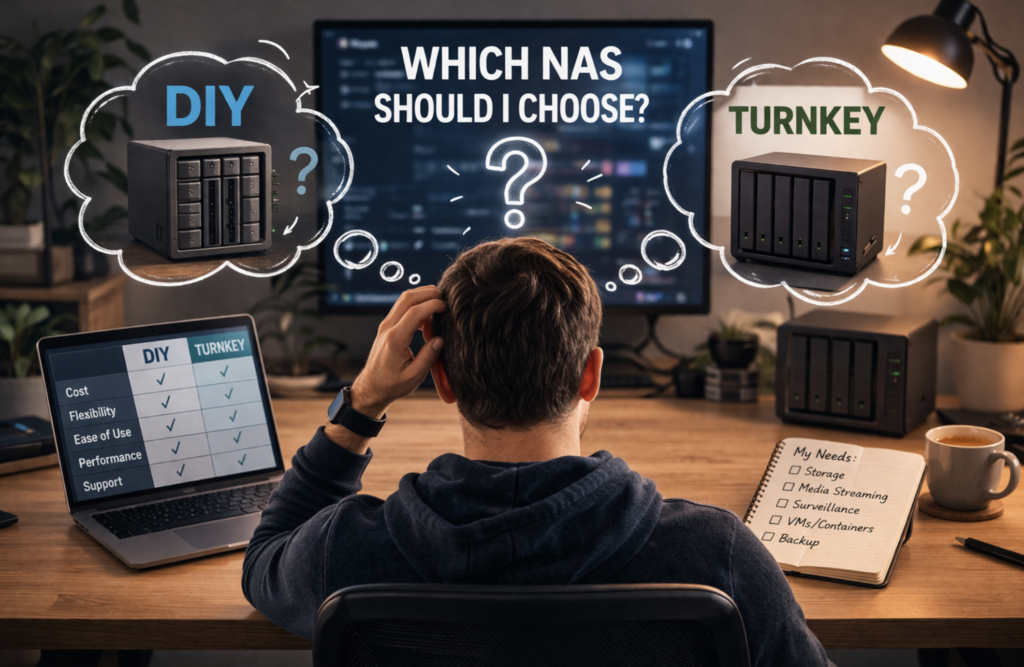
When it comes to choosing a NAS, everything really starts with one decision—are you going turnkey, or are you building your own?
Turnkey NAS systems from companies like Synology and QNAP are best thought of as appliances. The hardware and software are designed to work together out of the box, the interface is polished, and most platforms offer app stores where you can install features with just a few clicks. This makes them very approachable, especially if you just want something that works without much effort.
The tradeoff is flexibility. You’ll usually pay more for that convenience, and you’ll have fewer options when it comes to upgrading hardware or customizing the system.
On the other hand, building your own NAS puts you in full control. You choose the hardware, the operating system, and how everything is configured. Platforms like TrueNAS and OpenMediaVault are free and open source, while Unraid offers a paid option with a more streamlined experience.
The benefit here isn’t just cost—it’s flexibility. But that flexibility comes with responsibility. If something breaks, you’re relying on documentation, forums, and your own troubleshooting skills to fix it.
For some people, that’s part of the appeal. For others, it’s a dealbreaker. If you enjoy tinkering and learning how systems work, DIY can be incredibly rewarding. If you just want something reliable and easy to manage, a turnkey system is usually the better choice.
Simple Storage and Backups: When You Don’t Need Anything Fancy
If your needs are straightforward—things like file storage, backups, and archiving—then you don’t need to overthink your NAS choice.
In this case, simplicity becomes more important than performance. Systems like UniFi’s NAS lineup are designed with this in mind. They focus on clean, reliable storage without trying to do everything at once, which makes them especially appealing if you’re already using other UniFi gear.
At this level, you’re not worrying about advanced features like virtual machines or media transcoding. You just want something that stores your data safely and is easy to access.
Media Streaming: Where Hardware Starts to Matter
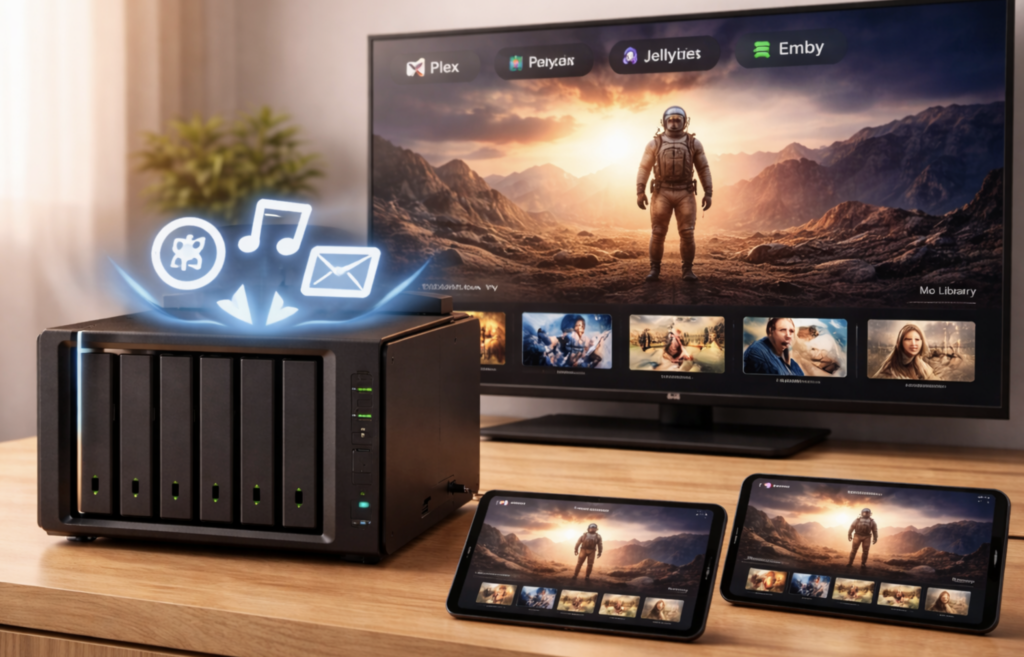
As soon as you move into media streaming, your NAS choice becomes more important.
One of the first questions to ask is whether your devices can play media files directly. Most modern devices like smart TVs, Apple TV, Roku, and Fire TV can handle direct playback without needing extra processing from the NAS.
But once you introduce smartphones, tablets, or remote streaming, things change. This is where transcoding comes into play, which requires your NAS to convert media files into formats that different devices can handle.
Transcoding is what puts real pressure on your hardware, especially your CPU. Features like Intel Quick Sync can make a significant difference here by handling video processing more efficiently.
It’s also important to understand that it’s not just the number of streams that matters—it’s whether those streams require transcoding. However, the more users and devices you have, the more likely it is that your NAS will need to handle multiple tasks at once.
Some systems are better suited for this than others. Certain Synology models focus more on efficiency and software experience, while brands like UGREEN and QNAP often include Intel-based CPUs that are better equipped for media workloads. TerraMaster models can also perform well, but it depends on whether you choose an Intel-based system or an ARM-based one.
Surveillance: Choosing the Right Ecosystem
If you’re planning to use your NAS for surveillance, the software ecosystem becomes just as important as the hardware.
Synology is often considered a strong option in this category due to its Surveillance Station platform, which is designed specifically for managing cameras and recordings. It also integrates with its own line of cameras, creating a more unified experience.
Other brands like QNAP, Asustor, and TerraMaster also offer surveillance features, but they tend to focus more on compatibility with third-party cameras.
UniFi takes a slightly different approach. Its surveillance system is highly regarded, but it operates separately from its NAS products. That means you won’t be using a UniFi NAS to record camera footage in the same way you would with other systems.
Virtual Machines and Containers: Understanding Resource Needs
Running virtual machines and containers is where your hardware requirements really start to increase.
Virtual machines reserve dedicated resources. For example, if you assign 4GB of RAM to a VM, that memory is set aside whether it’s being used or not. Containers, on the other hand, are much more efficient. They share system resources and only use what they need at any given time.
CPU resources are shared in both cases, but as you add more workloads—whether that’s apps, containers, or virtual machines—everything starts to compete for those resources.
If you’re planning to go beyond basic usage, starting with at least 8GB of RAM and a multi-core CPU is a good baseline. While CPUs in turnkey NAS systems usually aren’t upgradeable, RAM often is, though some brands restrict support to their own modules.
How the Number of Users Affects Performance
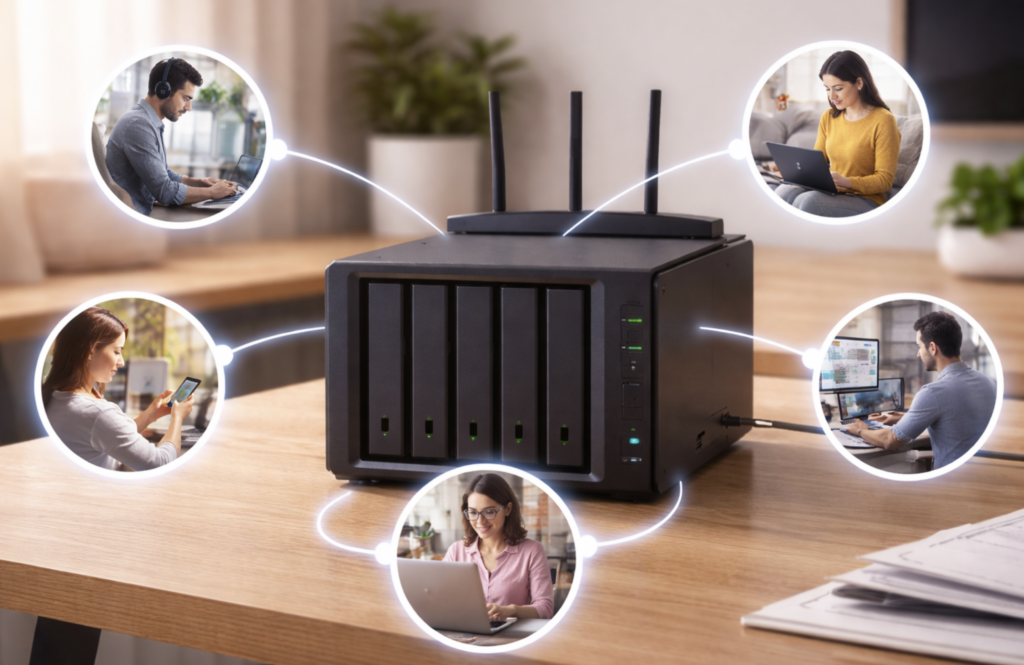
The number of users accessing your NAS also plays a major role in determining what kind of system you need.
A couple of users performing light tasks like file storage and backups won’t require much power. But as you add more users—especially if they’re streaming media, uploading files, or running applications at the same time—the demand increases quickly.
It’s not just about how many users you have, but what they’re doing and whether those activities overlap. Multiple simultaneous tasks can put significant strain on both your CPU and memory.
Software Experience vs Hardware Power
One of the biggest differences between NAS brands comes down to software versus hardware priorities.
Synology is known for its polished software, intuitive interface, and strong ecosystem of apps. QNAP leans more toward performance and flexibility, often offering better hardware and connectivity options but with a slightly steeper learning curve.
Brands like TerraMaster and UGREEN tend to focus more on value and hardware performance, while Asustor sits somewhere in between, offering a balance of both.
Security and ease of use often follow a similar pattern. Some systems are more locked down and easier to manage out of the box, while others offer more control at the cost of requiring more setup.
Build Quality, Noise, and Placement
The physical design of a NAS also matters more than you might expect.
Some brands use more plastic, which helps reduce vibration and noise, making them better suited for living spaces or offices. Others use more metal or aluminum, which improves heat dissipation and gives a more premium feel.
Where you place your NAS can influence what matters most. If it’s sitting near you, noise levels become more noticeable. If it’s tucked away in a closet or basement, cooling and performance may be a higher priority.
Power consumption follows a similar logic. More drives, stronger CPUs, and heavier workloads all increase energy usage.
Understanding Drive Bays and RAID
Drive bays play a critical role in both your current storage capacity and your future flexibility.
More bays mean more room to expand and more options for RAID configurations, which allow multiple drives to work together for protection, performance, or both.
It’s important to remember that RAID is not a backup. It provides redundancy, but it doesn’t replace the need for proper backups.
With a 2-bay system, you’re typically limited to mirroring your data, which reduces usable capacity. Moving up to 4 bays or more gives you more efficient options that balance storage and protection. Larger systems offer even more flexibility, including configurations designed for higher performance or increased fault tolerance.
Simplifying Your Decision
At this point, it’s clear there’s no single “best” NAS. The right choice depends entirely on what you value most.
If you prioritize ease of use and a polished experience, certain brands focus heavily on software and simplicity. If performance is your main concern—especially for media streaming or virtual machines—then hardware becomes more important. And if budget is a factor, there are options that offer solid performance without the premium price tag.
Ultimately, the goal isn’t to find the perfect NAS—it’s to find the one that fits your needs without overcomplicating things.
Final Thoughts
Choosing a NAS doesn’t have to be overwhelming. Once you break it down by how you plan to use it—whether that’s storage, media, surveillance, or virtualization—the options start to make a lot more sense.
Instead of chasing specs or comparing every model on the market, focus on your use case. That’s what will guide you to the right decision.
And if you’re still narrowing things down, think about what matters most to you: simplicity, performance, or value. That answer alone will eliminate most of the confusion.