
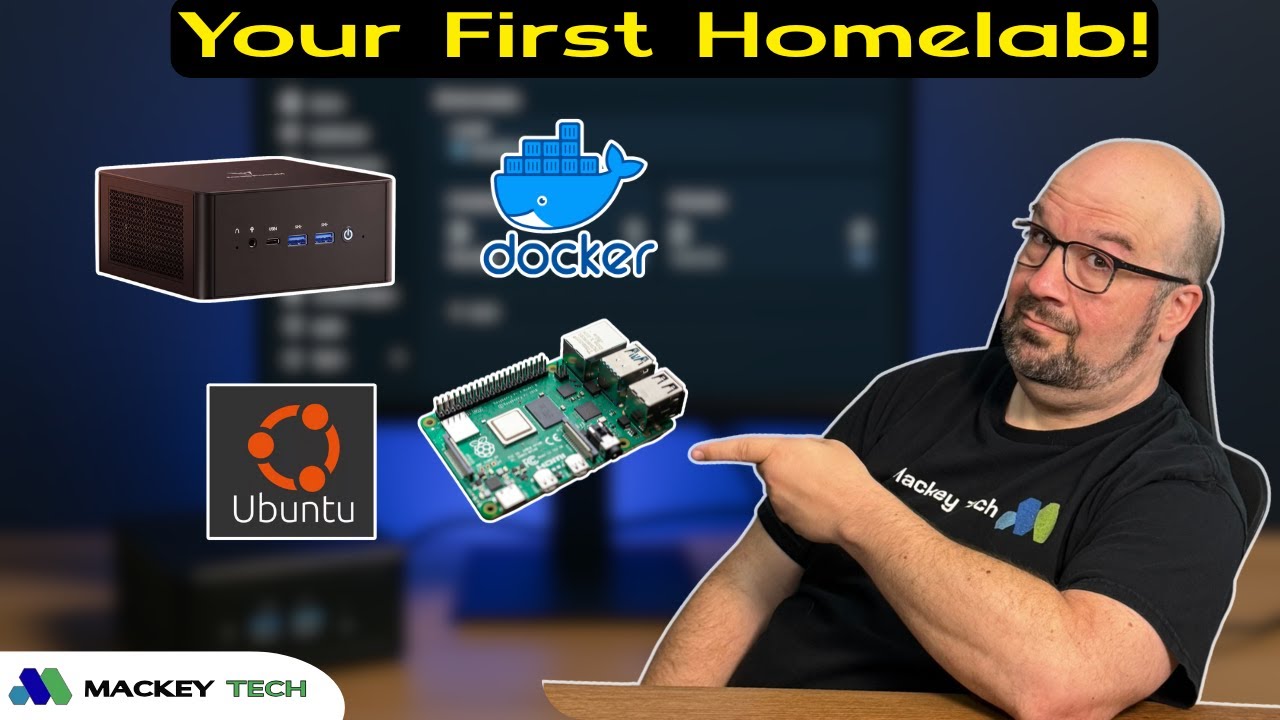
So is a homelab just a pile of dusty servers humming away in someone’s basement mining Bitcoin like it’s 2013 again?
That’s definitely one image—but the reality is much more practical and, honestly, way more interesting. A homelab is exactly what it sounds like: your own personal technology sandbox. It’s a place where you can install things, test ideas, experiment, break stuff, and (hopefully) fix it again—all at your own pace and without real-world consequences. Well… ideally without knocking out power to half your house. But hey, that’s part of the learning process, right?
The best part is that getting started doesn’t require expensive gear or a rack full of enterprise hardware. In fact, most people already have everything they need sitting around at home.
How It All Started (At Least for Me)
For me, the idea of a homelab started forming back around 2012. I was listening to the TechStuff podcast with Chris Pollette and Jonathan Strickland, and they were talking about this tiny $35 computer called the Raspberry Pi. I remember thinking, that’s actually a really cool idea.
It wasn’t just about the device—it was the realization that computing and tinkering could be accessible, affordable, and even fun.
Fast forward a few years, and I was watching channels like Craft Computing, Lawrence Systems, and CrossTalk Solutions. Everything they were doing looked impressive—virtual machines, VLANs, complex network setups—but I kept coming back to the same question: why would someone actually need all of this? It wasn’t about whether I could do it, but why I should.
So I started small. I set up websites and virtual machines on a Synology NAS, streamed movies, experimented with Raspberry Pi projects, and eventually started running Proxmox on an old Dell PC I picked up on eBay. At the time, I didn’t even know the term “homelab.” I was just building things, breaking them, and learning as I went.
Starting Where You Are
If you’re just getting curious about all of this—or wondering whether what you already have even counts as a homelab—then you’re exactly who this guide is for.
The goal here isn’t to convince you to go out and buy a server rack or drop a thousand dollars on networking gear. It’s to help you understand where to start, what questions to ask, and how to build something meaningful over time.
At the most basic level, your homelab starts with whatever hardware you already have. That could be an old laptop, a Raspberry Pi, a retired NAS, or even a desktop that’s been collecting dust. Any combination of these can become the foundation of your lab.
Your home network is probably just the router your internet provider gave you, and that’s completely fine. You don’t need to replace it. But one small upgrade that can make a big difference is adding a simple unmanaged Ethernet switch. These are inexpensive, require no configuration, and instantly give you more wired connections—which are typically more reliable than Wi-Fi, especially for older devices.
From there, you can start experimenting. An old NAS can be used to store family photos, stream media, or host a simple website. An older laptop or desktop can run Linux incredibly well and serve as a platform for learning Docker. Spinning up something like a web-based file manager or a simple self-hosted service is often enough to get you hooked.
Growing Into Your First Real Server
As your curiosity grows, so does your homelab.
At the next stage, you might find yourself wanting a dedicated machine to run multiple services. This is where a small, affordable mini PC becomes a great option. You don’t need anything high-end—just something reliable with decent performance and network connectivity.
With a setup like that, you can install Linux and start running multiple applications using tools that simplify management through a web interface. This opens the door to things like home automation, private cloud storage, and media streaming—all running on your own hardware.
You might also start exploring virtualization, creating virtual machines for different purposes, or experimenting with turning external storage into a basic NAS. At this point, your lab starts to feel more structured, and you begin to see how different pieces connect together.
Networking may also start to become more interesting. You might look into managed switches that allow you to separate different parts of your network, giving your lab its own space while keeping your everyday devices isolated. It’s not something you need right away, but it’s a natural next step as you start thinking more intentionally about how your network operates.
When Your Homelab Becomes Infrastructure
Eventually, your homelab can evolve into something you rely on daily.
At this stage, you’re not just experimenting—you’re running real services that support your home. Maybe you have a system automating your smart devices, filtering ads across your network, or hosting your own cloud storage. You might be running a dedicated NAS, virtual machines for different workloads, or even services for friends and family.
Some setups go even further, introducing clusters of machines to distribute workloads or integrating network cameras into isolated segments for security. This is where your homelab starts to feel less like a hobby and more like infrastructure—something you’ve built, refined, and truly understand.
But even here, the learning never stops. There’s always something new to explore, whether it’s improving performance, tightening security, or experimenting with new technologies. The balance between practical use and curiosity is what makes homelabbing so rewarding.
Why a Homelab Is Worth It
What makes a homelab special isn’t just what you build—it’s how you learn. It’s one of the few environments where you can explore technology without pressure, make mistakes without consequences, and gain real hands-on experience that actually sticks.
You’re not following a rigid path or trying to meet someone else’s expectations. You’re building something that fits your needs, your interests, and your pace.
Final Thoughts
If you’re just getting started, the most important thing is to stay curious and keep things simple. You don’t need to have everything figured out. Start with what you have, try something small, and build from there.
Over time, your homelab will grow—not just in complexity, but in purpose. And before you know it, you’ll look back and realize you’ve built something that’s both incredibly useful and uniquely yours.
Now I’m curious—what does your setup look like? Are you just getting started with a Raspberry Pi or an old laptop? Or have you already built out something more advanced? Wherever you are, you’re part of the same journey, and sharing those experiences can help someone else take their first step.
If you found this helpful, stick around for more homelab content, and as always—happy tinkering.