
First Impressions: Clean, Capable, and Promising
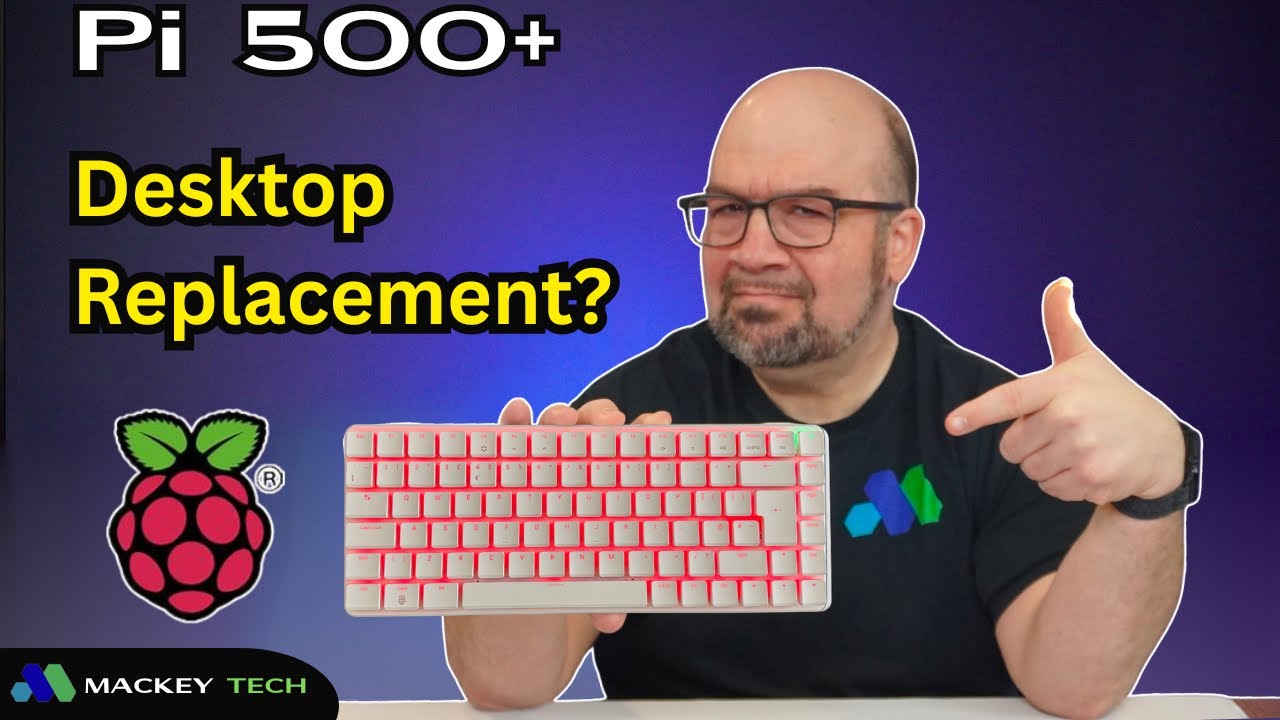
At first glance, the Raspberry Pi 500+ looks like one of the most polished and complete devices the Raspberry Pi line-up has ever offered. It immediately presents itself as something different—less like a traditional single-board computer and more like a fully packaged desktop experience. Everything is built directly into the keyboard, which gives it a clean, all-in-one design that feels far more approachable, especially for someone who may not want to deal with separate components, cases, or setup steps.
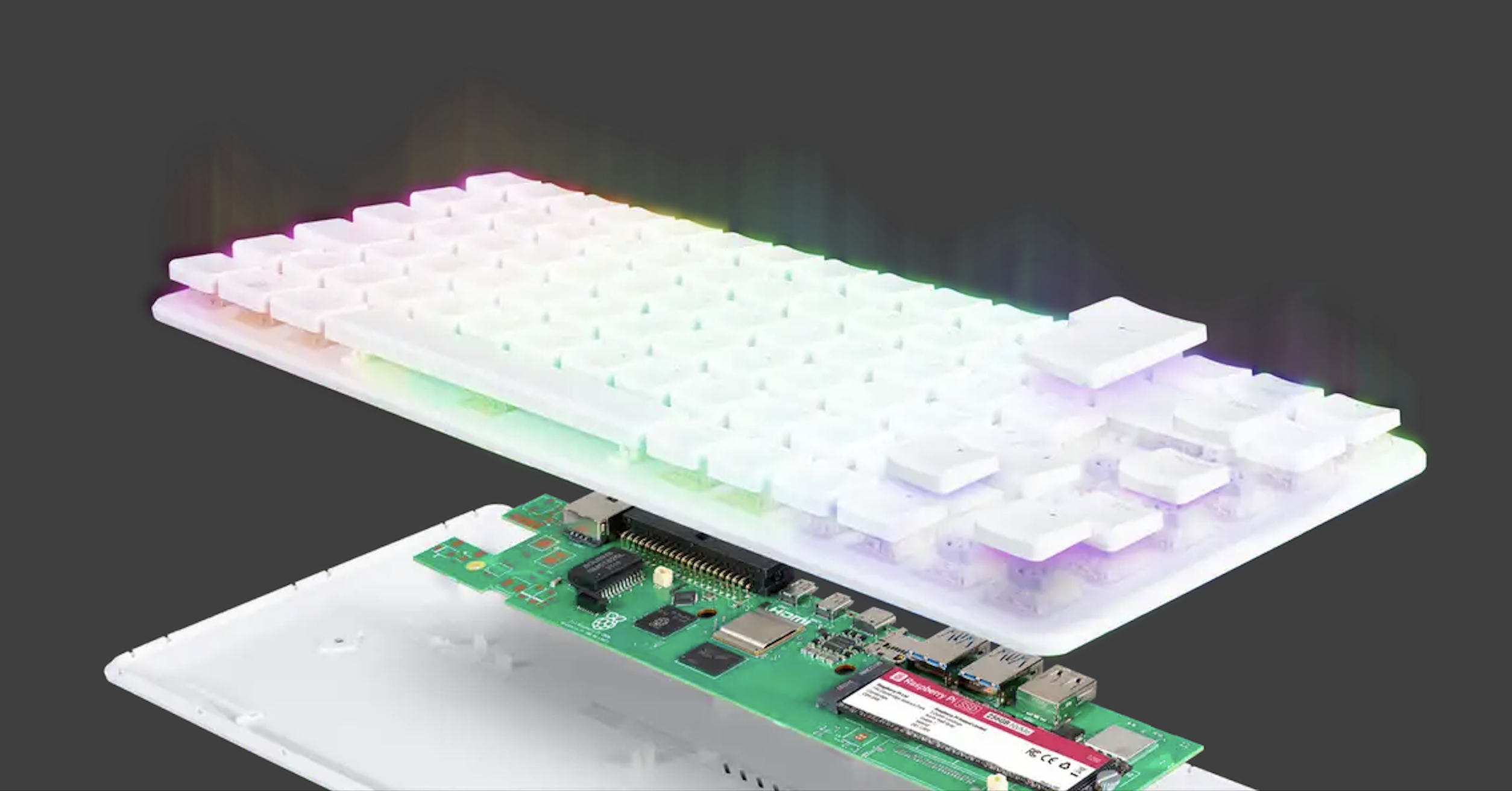
Under the hood, it carries over the same quad-core ARM Cortex-A76 processor found in the Raspberry Pi 5, along with a fast 256GB NVMe boot drive, a generous 16GB of RAM, and a solid mix of connectivity including USB ports, Gigabit Ethernet, Wi-Fi, Bluetooth 5.0, and even access to GPIO pins. On paper, it sounds like the perfect balance between convenience and performance, something that could realistically serve both as a desktop machine and a platform for Raspberry Pi enthusiasts.
Before going further, I should mention that this Raspberry Pi 500+ was sent over by the Raspberry Pi Foundation at no charge for a review I did back in September of last year. As always, though, all opinions here are my own.
Living With It: Where the Design Starts to Struggle
With that out of the way, the real question becomes whether this device actually delivers on that promise once you move beyond the initial impression. After spending several months trying to use it as a desktop replacement, I found that while the idea is compelling, the execution feels a bit more complicated.
The biggest issue shows up in the physical design. At first, having everything built into the keyboard feels clean and efficient, but once you start actually using it day to day, it becomes clear that this design introduces its own set of problems. You’re constantly dealing with cables coming directly out of the keyboard—power, display, peripherals—and that creates a setup that feels more tethered than streamlined. Instead of sitting neatly on a desk like a typical keyboard, it ends up acting as the central hub for everything, which can feel bulky and awkward, especially when you’re working around display cables and adapters.
Hardware Experience: Strong Foundation, Limited Flexibility
To be fair, the Raspberry Pi 500+ does a lot right when it comes to the hardware itself. It runs quietly, consumes very little power, and the move to NVMe storage is a noticeable upgrade over the traditional microSD approach. The system feels responsive for everyday tasks, and the ARM processor does a solid job handling light productivity, web browsing, and general use. Even the keyboard, at least in terms of feel, is enjoyable to type on, thanks to its tactile switches.
But once you move past that initial experience, some limitations start to stand out. One of the biggest is the lack of configuration options. There’s only one version of the 500+, which means no flexibility in RAM or storage at the time of purchase. While you can technically swap out the NVMe drive for something larger, it would have been nice to see multiple configurations available, especially if this is being positioned as a desktop replacement. When you compare that to even entry-level desktops or mini PCs, which often allow upgrades or come in different tiers, the Pi 500+ starts to feel a bit restricted.
The Keyboard: Great Feel, Questionable Practicality
The keyboard itself is also a bit of a mixed experience. It uses tactile blue switches that provide a satisfying click, but they are on the louder side, which may not be ideal depending on your environment. While the keycaps can be swapped out, the switches themselves cannot, which limits customization. On top of that, the lettering on the keys is relatively dim and doesn’t contrast well with the white surface, making it harder to read than you might expect.
The RGB lighting, while visually interesting at first, ends up feeling more like a novelty than a useful feature, and in some cases actually makes the keys harder to see rather than easier. Over time, what initially feels like a fun addition becomes something you’re more likely to turn off.
Connectivity and Ports: Good, But Still Frustrating
Connectivity is generally solid, with multiple USB ports and Gigabit Ethernet providing enough flexibility for most setups. However, the continued reliance on micro-HDMI ports is still frustrating. If you’ve used micro-HDMI before, you already know how inconvenient it can be, especially when dealing with adapters and cable management. It’s one of those small details that ends up affecting the overall experience more than you might think.
Pricing and Value: Where the Math Changes
Pricing is another area where things become a bit less clear. At around $410 (as of 4/2026), the Raspberry Pi 500+ seems reasonably priced for what it offers, but that price doesn’t include essential accessories like a power adapter or display cables. Once you factor those in, or opt for the full desktop kit at around $280, the value proposition starts to shift, especially when you consider what else is available in that range.
Software Reality: ARM Still Has Limits
This is where software and platform limitations also come into play. ARM has come a long way, and for many tasks, it works perfectly well. You can browse the web, use office applications, write code, and handle general productivity without much trouble. But modern desktop workflows still lean heavily toward x86, and that creates gaps in compatibility that are hard to ignore.
Many commercial applications simply aren’t available on Linux at all, and others either lack native ARM support or don’t perform as well as their x86 counterparts. Even when you look beyond specific applications, the overall software ecosystem still feels a bit limited compared to more traditional desktop environments. Raspberry Pi OS continues to improve, especially with the newer Trixie-based releases, but it still doesn’t offer the same level of depth or polish as distributions like Linux Mint or Fedora. And even if you install those distributions on the Pi, the underlying limitation remains the same—the ARM architecture itself.
The Mini PC Comparison: A Tough Benchmark
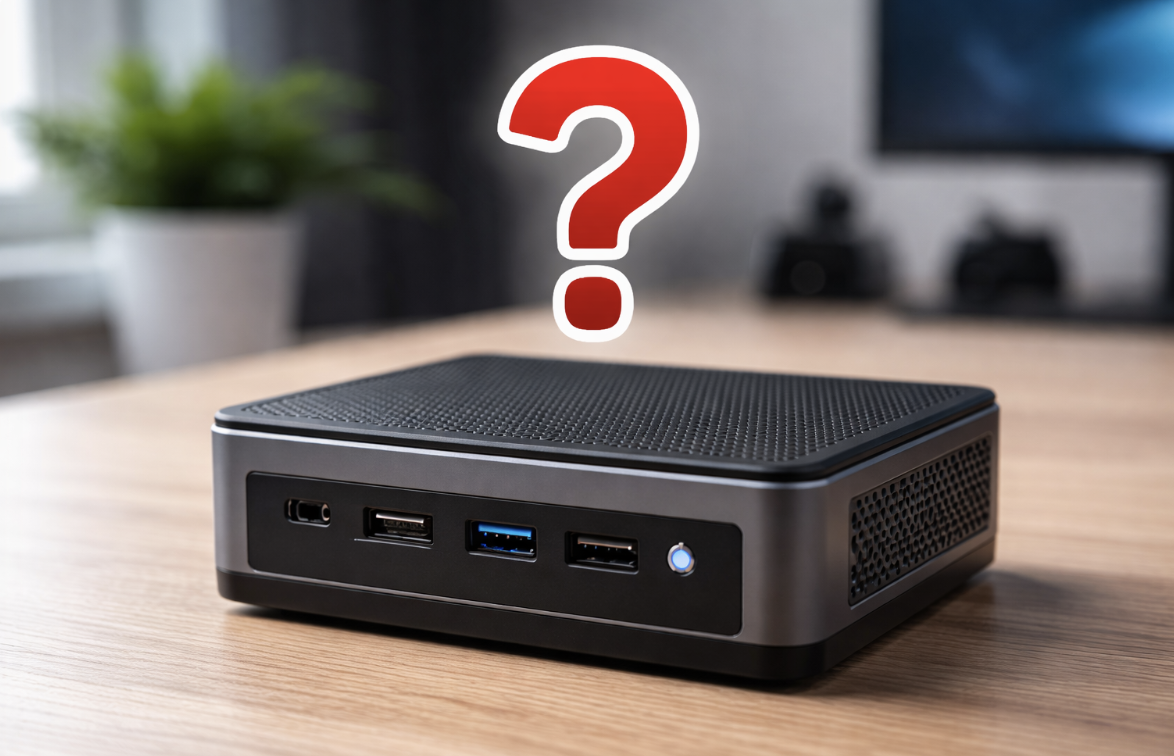
When you start comparing the Raspberry Pi 500+ to alternatives, the conversation shifts even more. For roughly $100 more, you can get an x86 mini PC that offers more I/O, full-sized HDMI ports, larger storage options, faster processors, and upgradeable components. You also gain access to a much broader software ecosystem, including full support for Windows or more traditional Linux distributions without the constraints of ARM compatibility. That difference in flexibility makes it harder to justify the Pi 500+ as a long-term desktop solution.
Where It Doesn’t Fit: Homelab and Tinkering
Beyond the desktop use case, the Raspberry Pi ecosystem itself has always appealed to two main groups: hardware tinkerers and homelab users. Most people who spend time with Raspberry Pi devices eventually find themselves somewhere between those two worlds. The challenge for the Pi 500+ is that it doesn’t fit neatly into either category.
From a homelab perspective, you could technically use it as a server, but the built-in keyboard makes that impractical. It takes up more physical space than necessary and doesn’t integrate well into a rack or compact setup. For tinkerers, while the device does include GPIO pins, their placement on the back of the keyboard makes them difficult to use in a clean or stable way. Instead of stacking components neatly, you end up working around the design rather than with it.
Who It Actually Makes Sense For
So that brings us back to the core question: what is the Raspberry Pi 500+ actually trying to be? After spending time with it, I think the answer becomes clearer. It’s not really a desktop replacement in the traditional sense, and it’s not the best option for homelab or hardware-focused projects either.
Where it does make sense is as an entry point for beginners—people who want to explore the Raspberry Pi ecosystem without having to worry about setup, compatibility, or choosing the right components. For someone in that position, the Pi 500+ offers a simple, plug-and-play experience. You don’t need to flash an operating system, figure out power requirements, or assemble anything. You plug it in, connect your display, and you’re ready to go.
Final Thoughts
Whether that convenience is worth the price is ultimately going to depend on the individual. For some, it may be exactly what they’re looking for. For others, especially those who want more flexibility or long-term expandability, it may feel limiting.
In the end, the Raspberry Pi 500+ is a well-intentioned device with a clear vision, but one that doesn’t fully land in practice. It’s an interesting addition to the lineup, and it absolutely has its place, but it’s not the universal solution it might appear to be at first glance.
So what do you think? Does the Raspberry Pi 500+ work as a desktop replacement, or does it make more sense as an entry-level system for new users?